
How to Connect Your Shopify Store to PackQuay
Quick answer: To connect Shopify to PackQuay, install the free PackQuay app from the Shopify App Store and authorize it, or sign up in the PackQuay app, open Manage Stores and add your default myshopify.com URL. After that, connect your SKUs, and paid orders sync automatically while tracking numbers flow back to your Shopify store. See our Shopify fulfillment page for details.
Many new customers ask if PackQuay has integration for Shopify. Here is how to add your Shopify store to the PackQuay app.
How To Add the PackQuay App From Shopify?
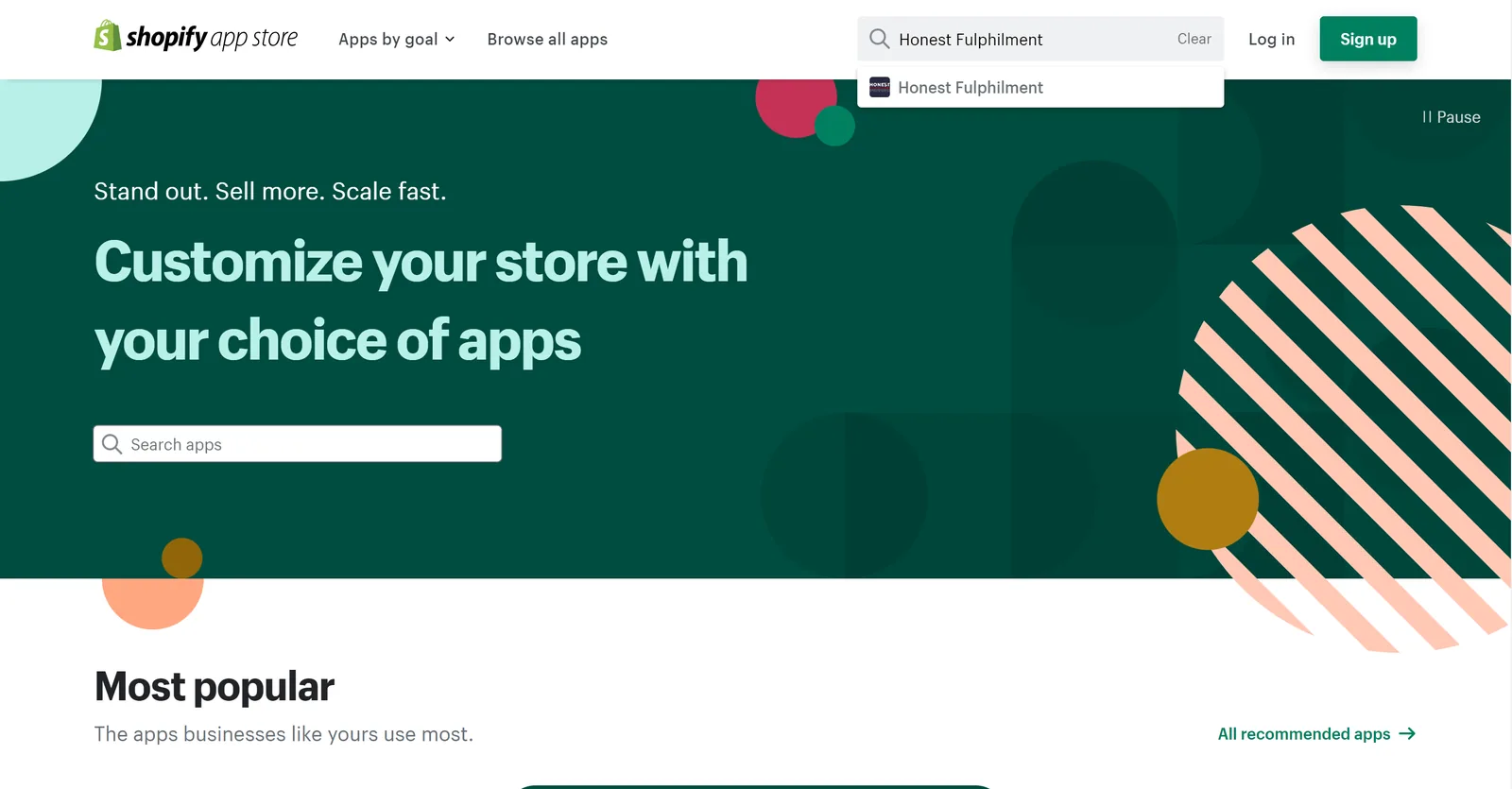
Log In To The Shopify App Store: Searching WhatsApp;
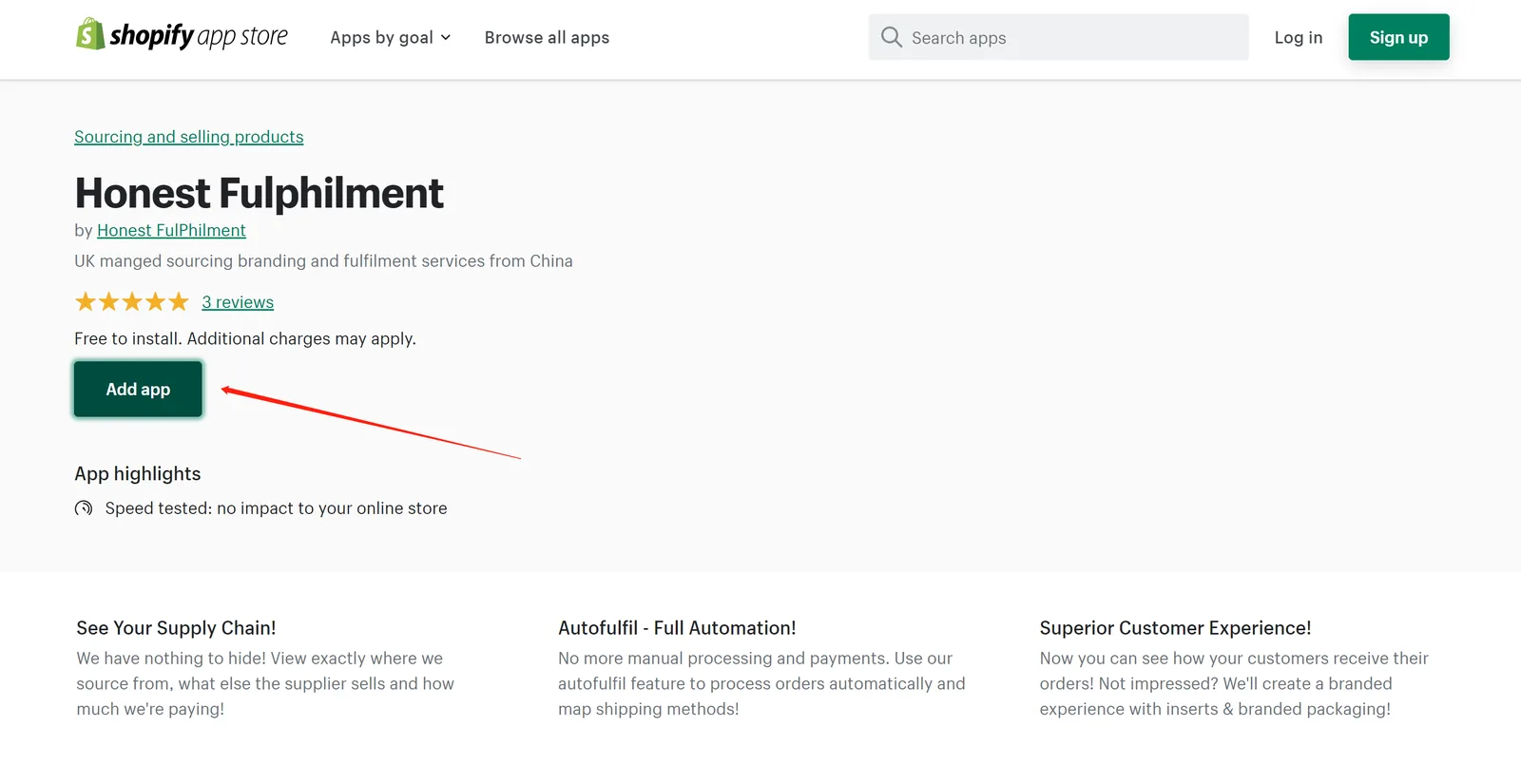
Enter Your Shopify Address
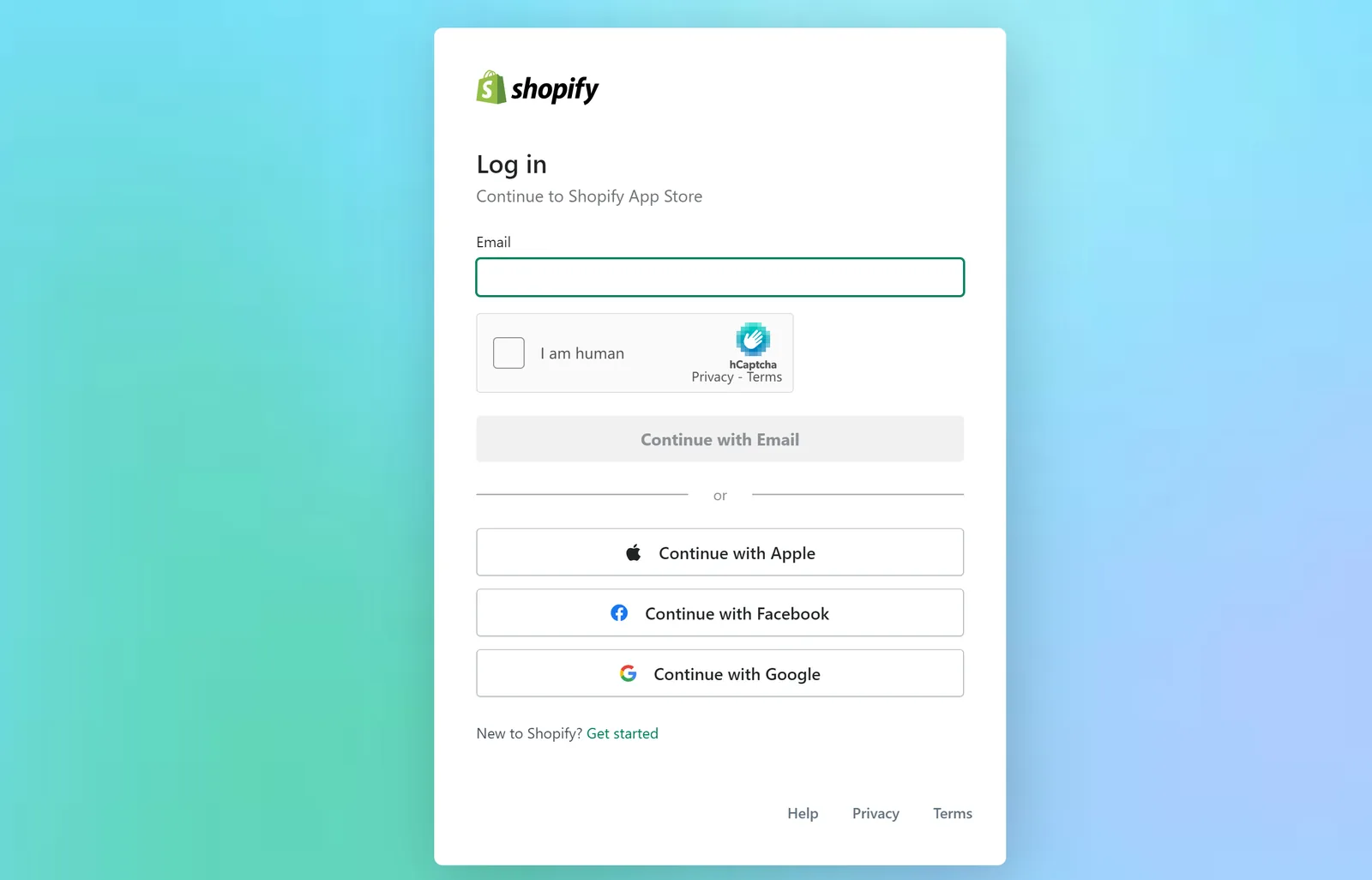
Authorization Success
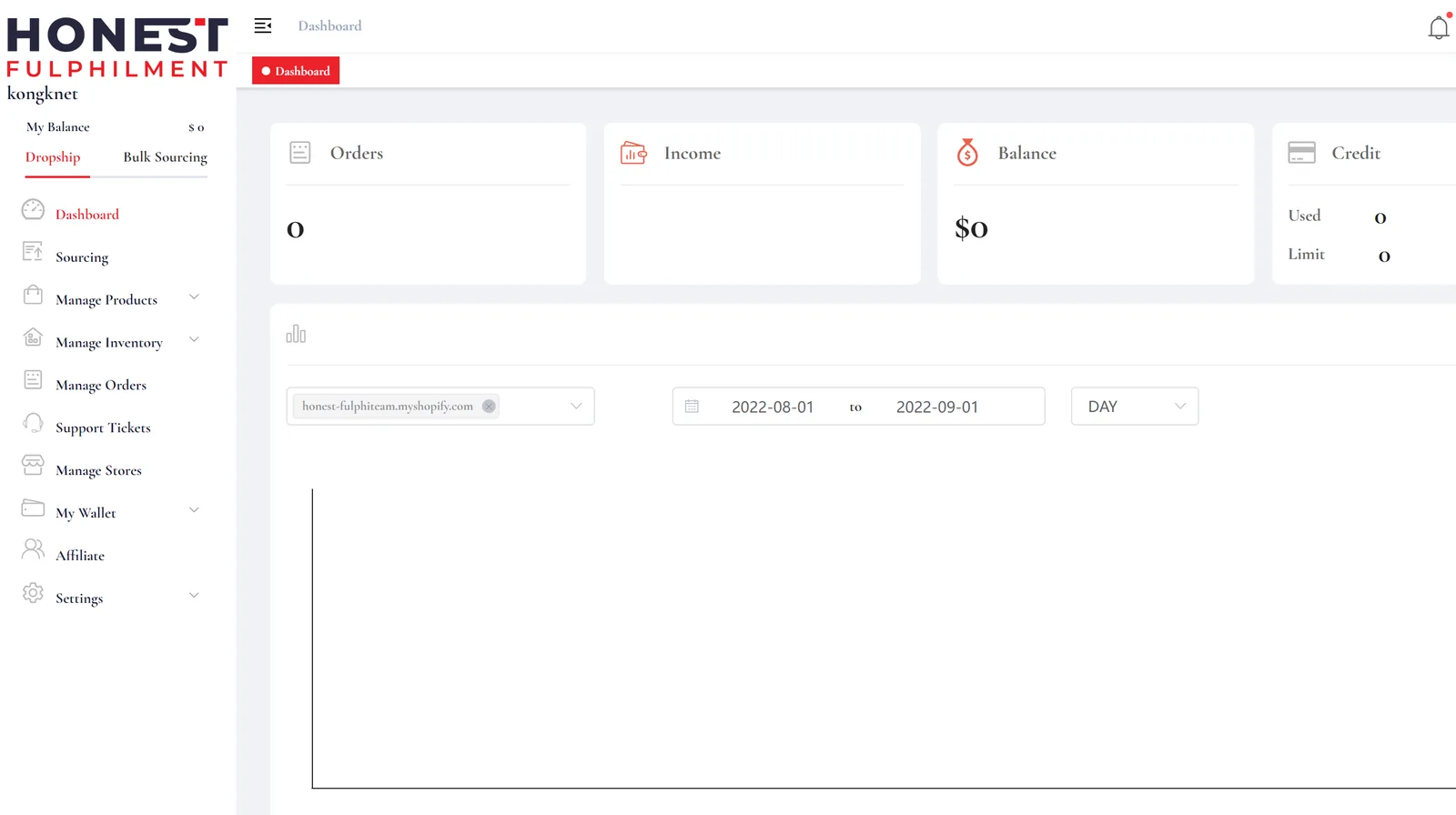
How To Add Shopify From the PackQuay App?
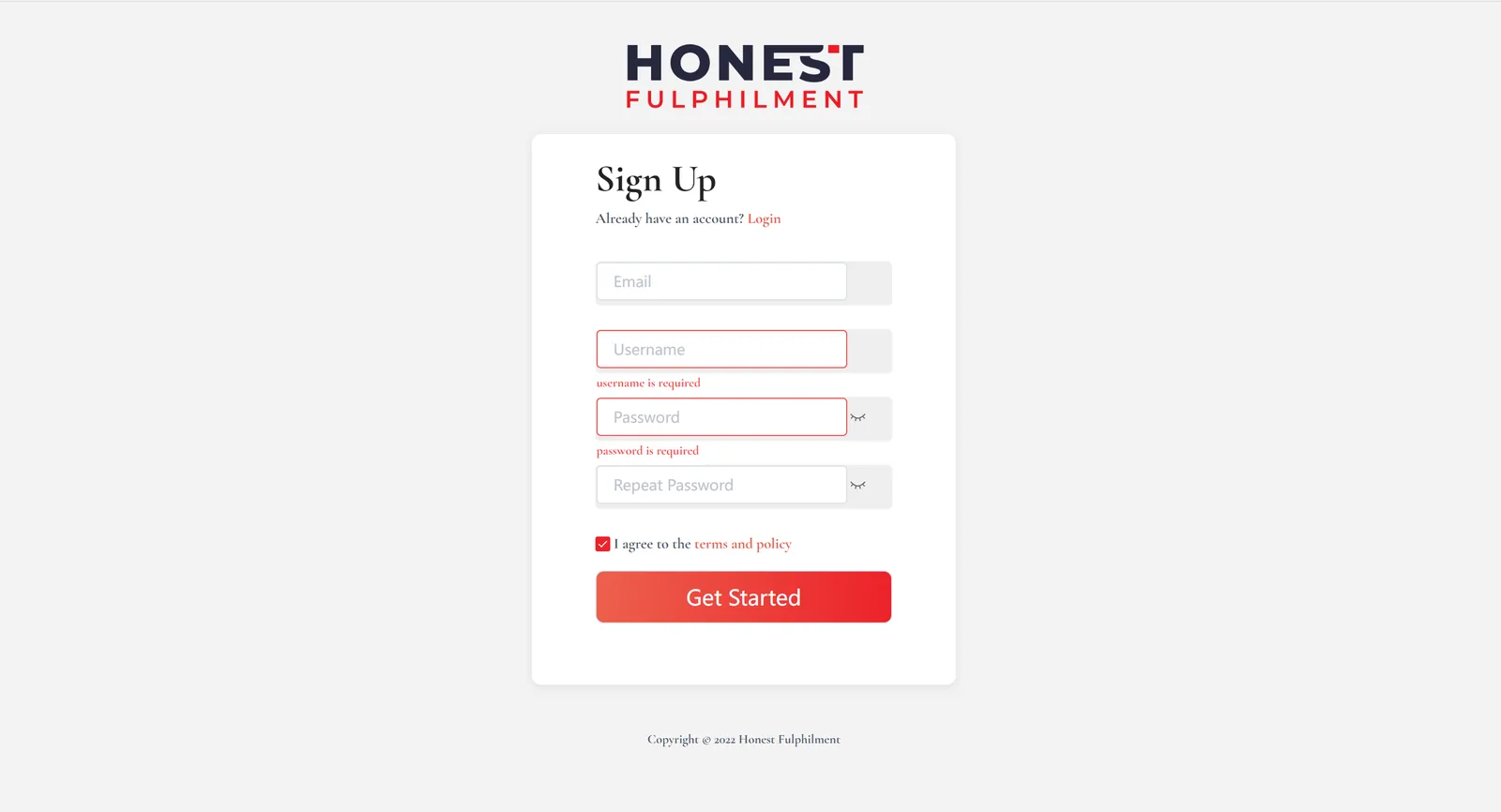
Sign up and Log In
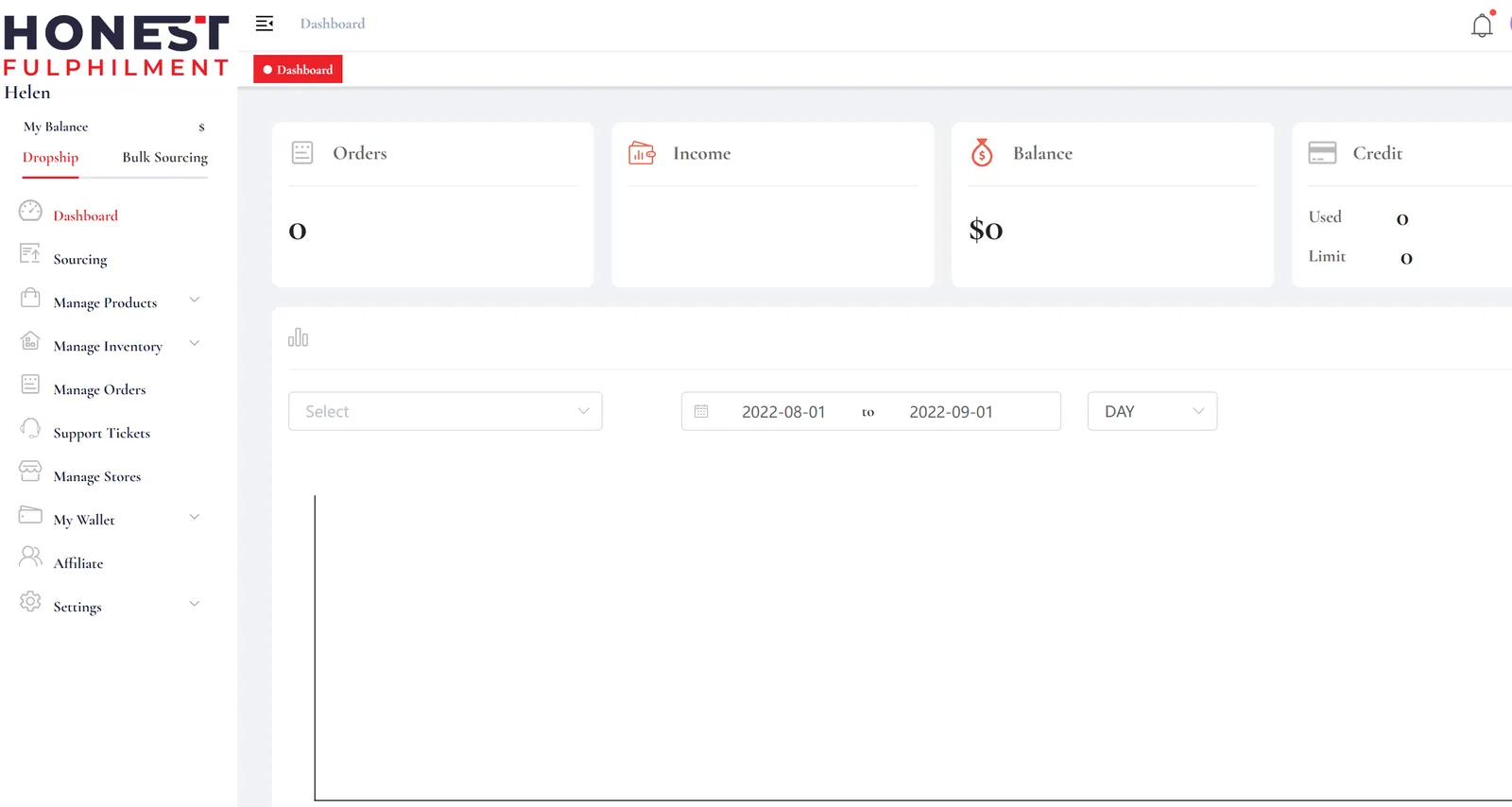
Open The Manage Stores Section.
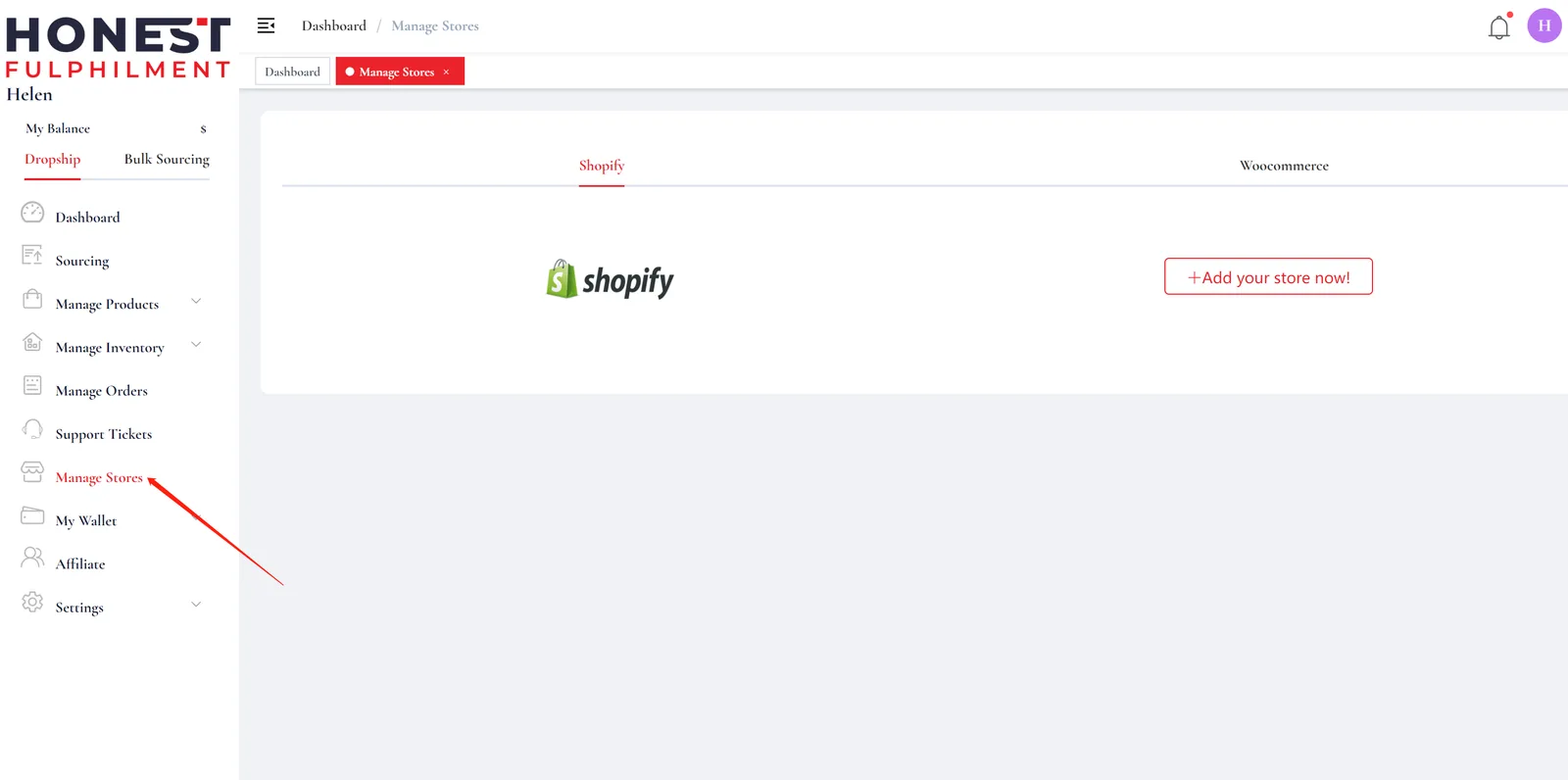
Click “Manage Stores” And “Add your store now”
Enter Your Shopify Store URL
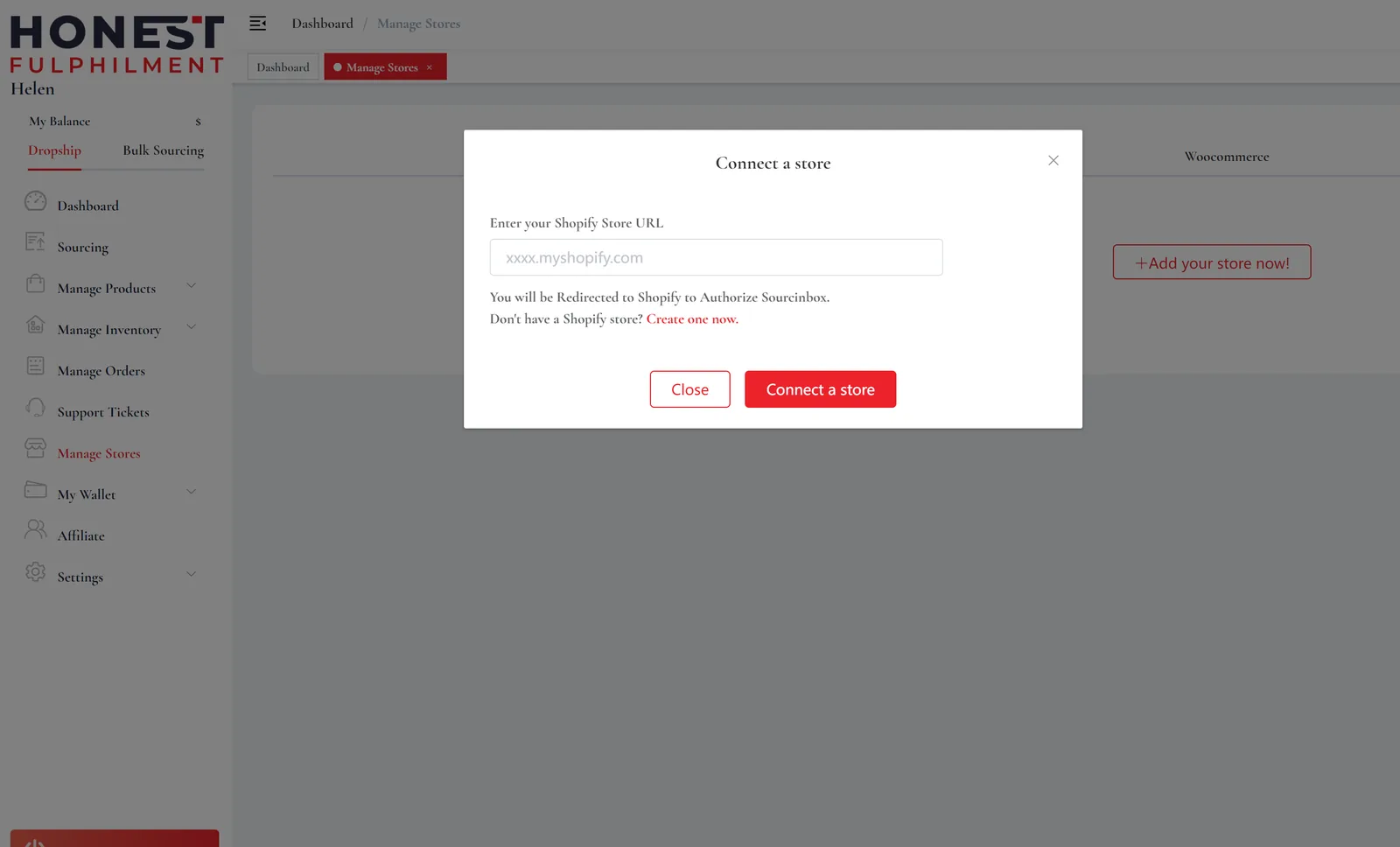
Note: Please enter the default URL provided by Shopify. You can find it in your Shopify admin.
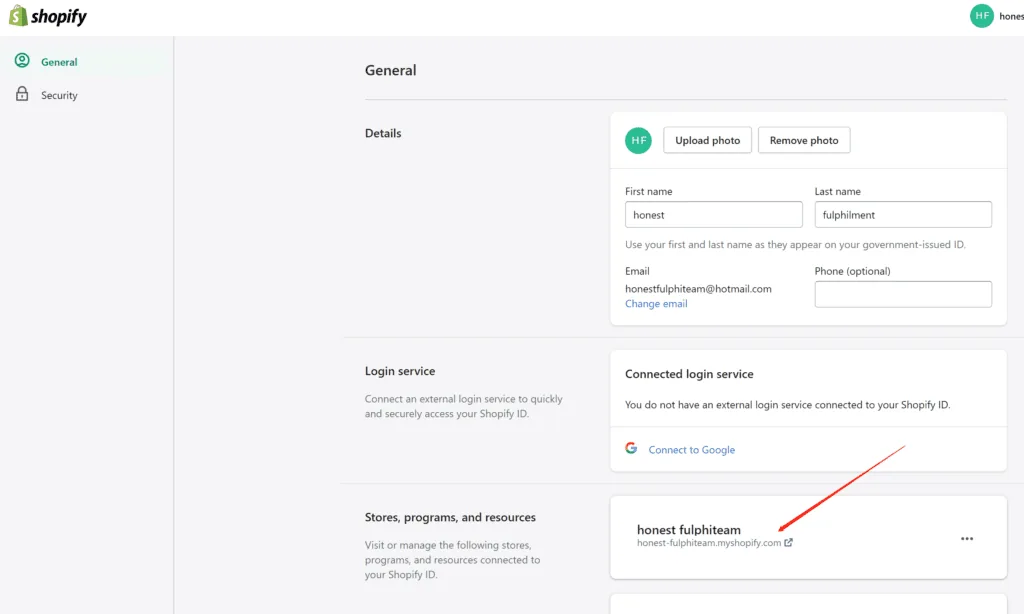
Once you finish the connection, you will see the pop-up of “Welcome to PackQuay!”.
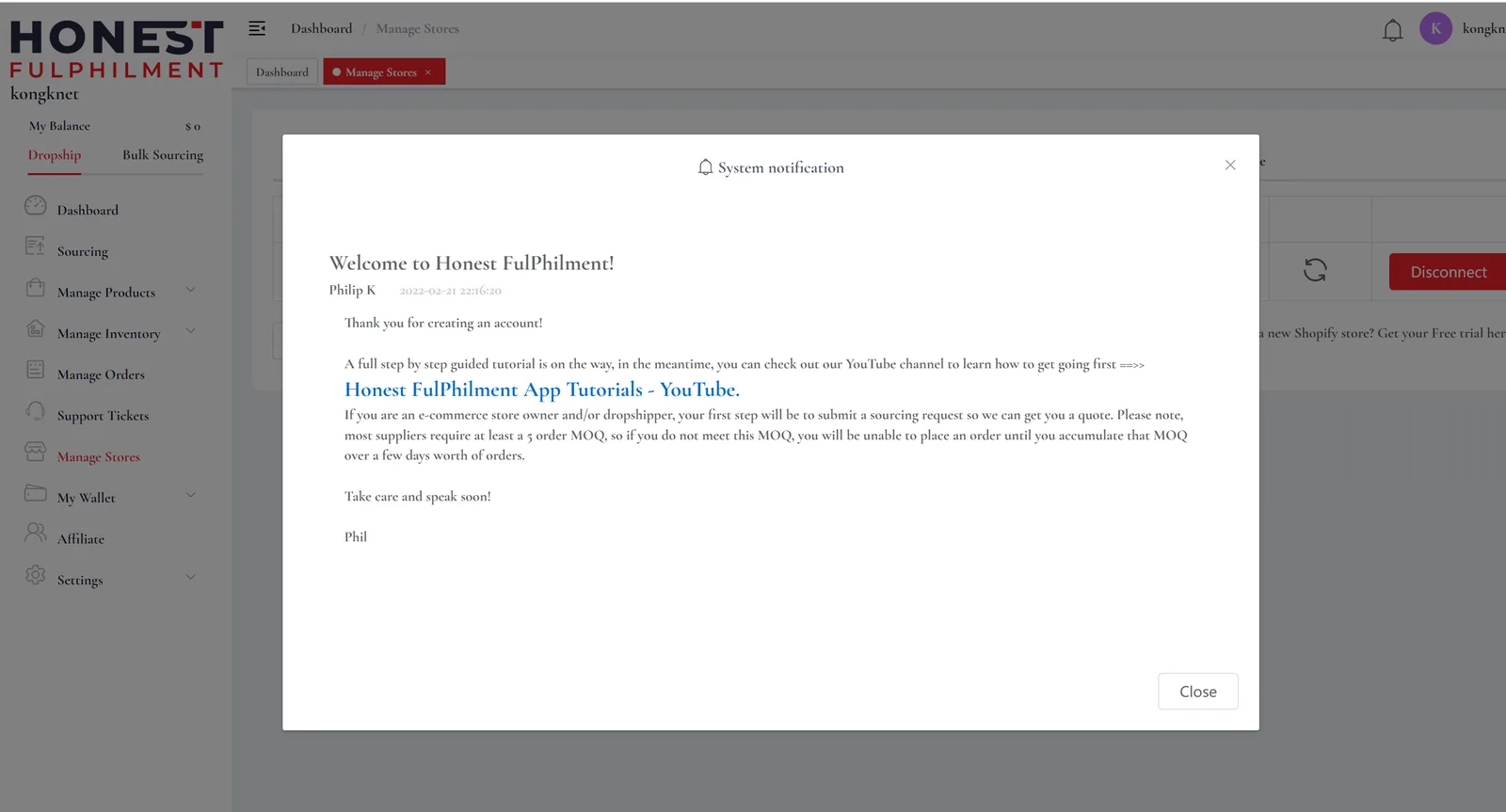
Ready to get started?
PackQuay App Tutorials
After you authorize your Shopify store, you can easily submit requests for items that are already in your Shopify store. Connect items in your store, and automatically sync your Shopify orders to PackQuay. Once the order is paid for and processed, the tracking number will automatically sync to your Shopify store.
Importing & Pushing Products To Your Store
RFQ & Submitting A Sourcing Request
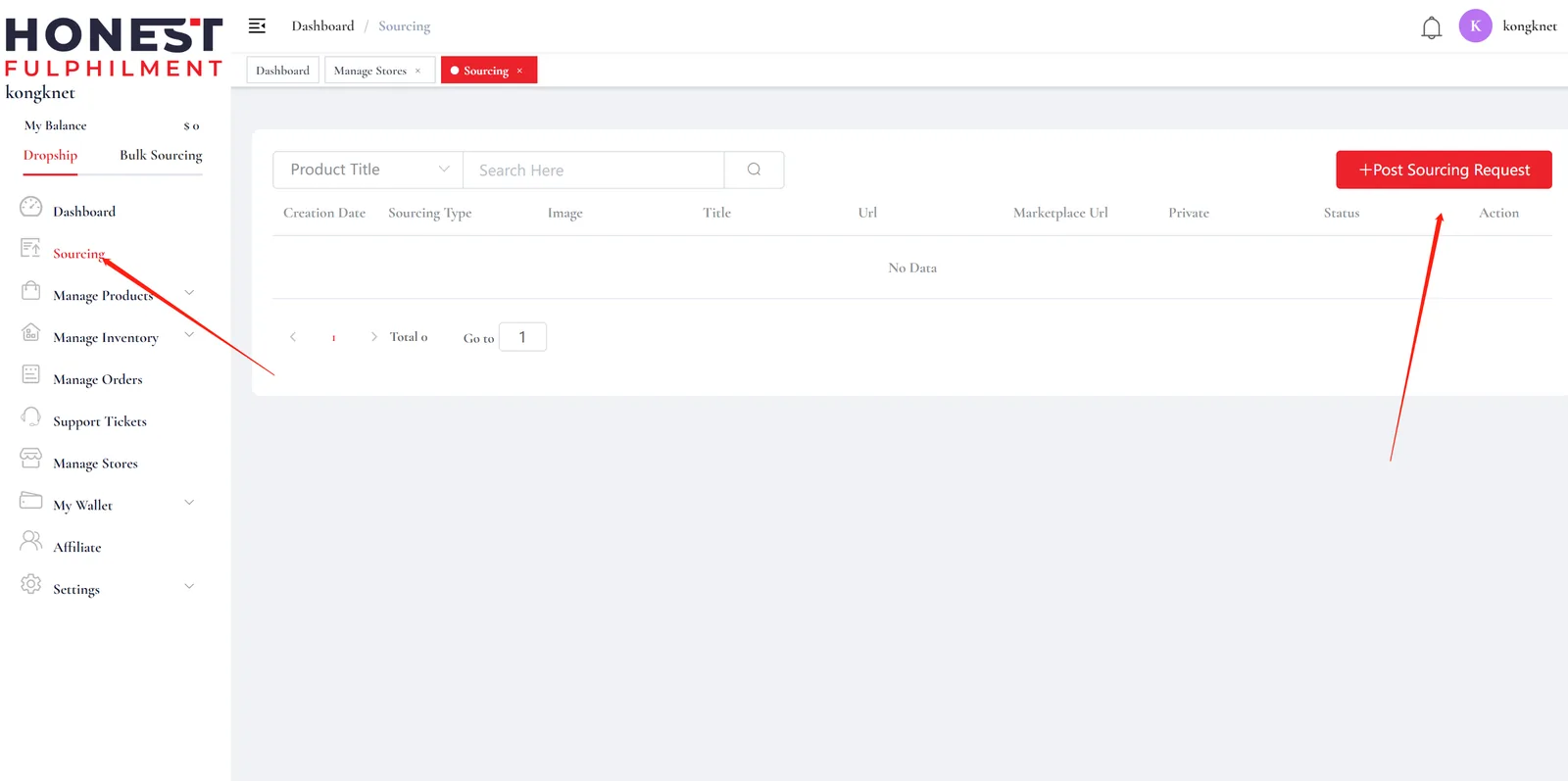
Sync Products & Connect Your SKUs
Connecting Bundles And Offers
Manually Fulfil Orders & Pricing Structure
Grow Your Business
Our purpose is to provide comprehensive eCommerce fulfilment solutions tailored to your specific requirements.
Please feel free to contact our LiveChat support
FAQ
Does PackQuay integrate with Shopify?
Yes. PackQuay has had a Shopify app since August 2020, and it is free to install. Once connected, paid orders sync automatically and tracking numbers are pushed back to your Shopify store.
How do I connect my Shopify store to PackQuay?
Either install the PackQuay app from the Shopify App Store and authorize it, or sign up in the PackQuay app, open Manage Stores, click to add a store and enter your default myshopify.com URL.
Which Shopify URL should I enter?
Enter the default store URL that Shopify assigned to you (ending in myshopify.com), not your custom domain. You can find it in your Shopify admin under Settings.
Can I connect a WooCommerce store too?
Yes. WooCommerce stores connect with a REST API key, with no plugin needed. You can also send orders by CSV/Excel upload or through the open API.
What happens after my Shopify store is connected?
You can submit sourcing requests, import and push products, connect your Shopify SKUs to our products, and let orders sync automatically. When an order ships, the tracking number syncs back to Shopify.